Prompt
Text
8s cafe hero — latte art, warm wood, slow pour-in.
Wire models on a canvas and run the job — or let Architect build it, then publish as an API.
Prompt
Text
8s cafe hero — latte art, warm wood, slow pour-in.
Flux Image
Still

Speech
Voiceover
“Open before the city does.”
Music Gen
Score
Warm analog bed · 8s
Veo Video
8s clip
Design media pipelines on a visual canvas — text, image, video, and audio connected in one workflow.
Step 01
Place image, video, voice, and utility models on the canvas.
Step 02
Link each step — stills into motion, voice into the final mix.
Step 03
Run the workflow and get stills, clips, and audio in one pass.
Structured workflows for product campaigns, performance ads, cafe heroes, and short films — models connected, steps already in place.
Image
Flux Image

Luxury glass perfume bottle with blush-pink liquid.
Image
Flux Image
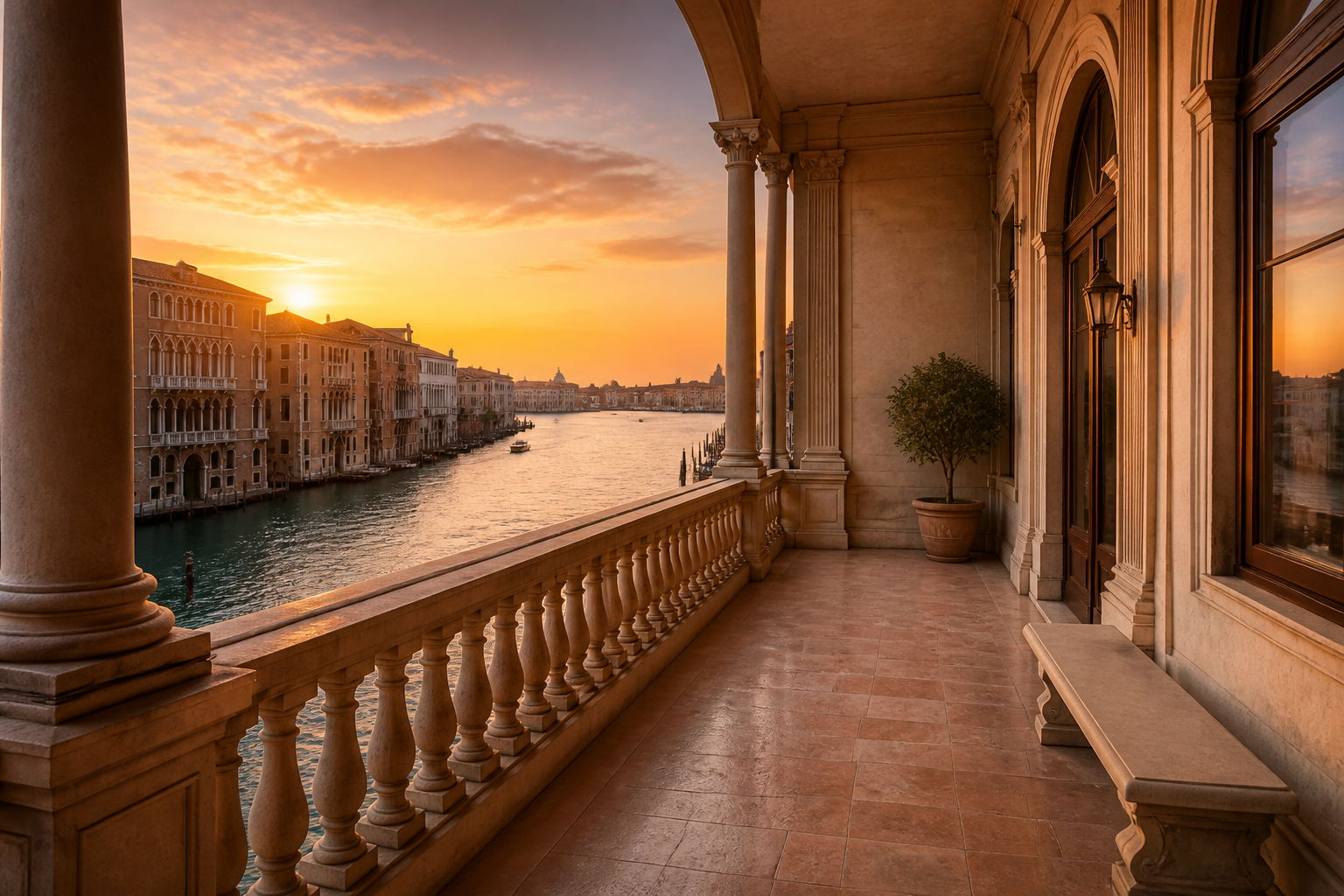
Historic stone balcony overlooking a canal at sunset.
Image
Flux Image

Place the bottle on the balcony at golden hour.
Video
Veo Video
Camera drifts across the bottle on the balcony.
Music
Music Gen
Soft orchestral score with strings and piano.
Output
Composition
Video + score. Campaign-ready output.
Canvas Flow is a visual studio for media pipelines. Chain Flux, Veo, Speech, and utilities on a node canvas — wire the graph, run it once, and keep every output in the same project.
Place text, image, video, and audio nodes on a React Flow canvas and connect them in the order your project actually needs.
Generate with Flux, attach references, or upscale — outputs move directly into the video and voice nodes downstream.
Animate stills with Veo, layer in speech or music, and combine clips without exporting to another app.
Build complex media pipelines with the industry's most advanced AI models. Orchestrate, stitch, and scale your creative output seamlessly.
Scale
Swap variables like products, voices, and hooks across the entire graph. Generate hundreds of localized or targeted creatives in a single run.
Compose
Merge separate clips into a cohesive narrative. Layer soundtracks, control transitions, and build complete stories right on the canvas.
Refine
Tweak a single prompt or model setting without re-running the entire pipeline. Only the affected downstream nodes regenerate, saving time and credits.
 OpenAI
 Google
 Anthropic
 Black Forest Labs
 Kuaishou / Kling
 Seedream
 Omni Human
 Wan
Wan Seedance
 HappyHorse
 Realtime TTS
 Video Combiner
 Batch Generation
 AI Architect
Product launches, paid social, local promos, and short films — mapped once on the canvas, run again with new inputs.
Canvas Flow is a node-based creative canvas. It connects image generation, video, text to speech, lip-sync, music, and utilities into a single visual workspace. Map your creative pipeline, chain models together, and run it all from one place.
Any multi-step media AI pipeline. Common use cases include ad creative production, product imagery with voiceover, lip-sync clips, storyboards, and batch generation of campaign variants. Build the workflow once, then run it with different inputs.
Vibe integrates image and video models including Flux and Veo, plus Speech, Music, Lip Sync, OpenAI, Claude, upscale, combiner, and more. AI Architect can lay out the graph from a prompt. See the integrations catalog for the full list.
Yes. Re-run a single node and only downstream nodes on that path need to update. Unconnected branches stay unchanged.
Yes. Build the media workflow once, then batch-run it with different products, hooks, voices, stills, or soundtracks. Structured variations generate automatically without rebuilding the pipeline. You can also publish the workflow and trigger batch runs via API.
Each node generation uses credits based on the model and settings. Re-running a node is a new generation and a new credit charge. API runs use the same credit model, with keys for access.
Yes. Publish a finished workflow and trigger the same generation from your app with API keys. That powers automated content generation at scale — connecting a CMS or product to a workflow, for example. Credits cover paid runs.
A timeline editor is for frame-by-frame finishing — tracks, cuts, captions. Vibe is a node-based canvas for multi-step generative pipelines. Orchestrate image, video, and voice here, then export to your editor when you need frame-level control.
Yes. Save a working graph as a template, share it with the team, or publish it. Reload, modify prompts or assets, and re-run to create variations without rebuilding the entire pipeline.
Wire image, video, and voice on a canvas. Batch-run the job, or let Architect build it from a brief.